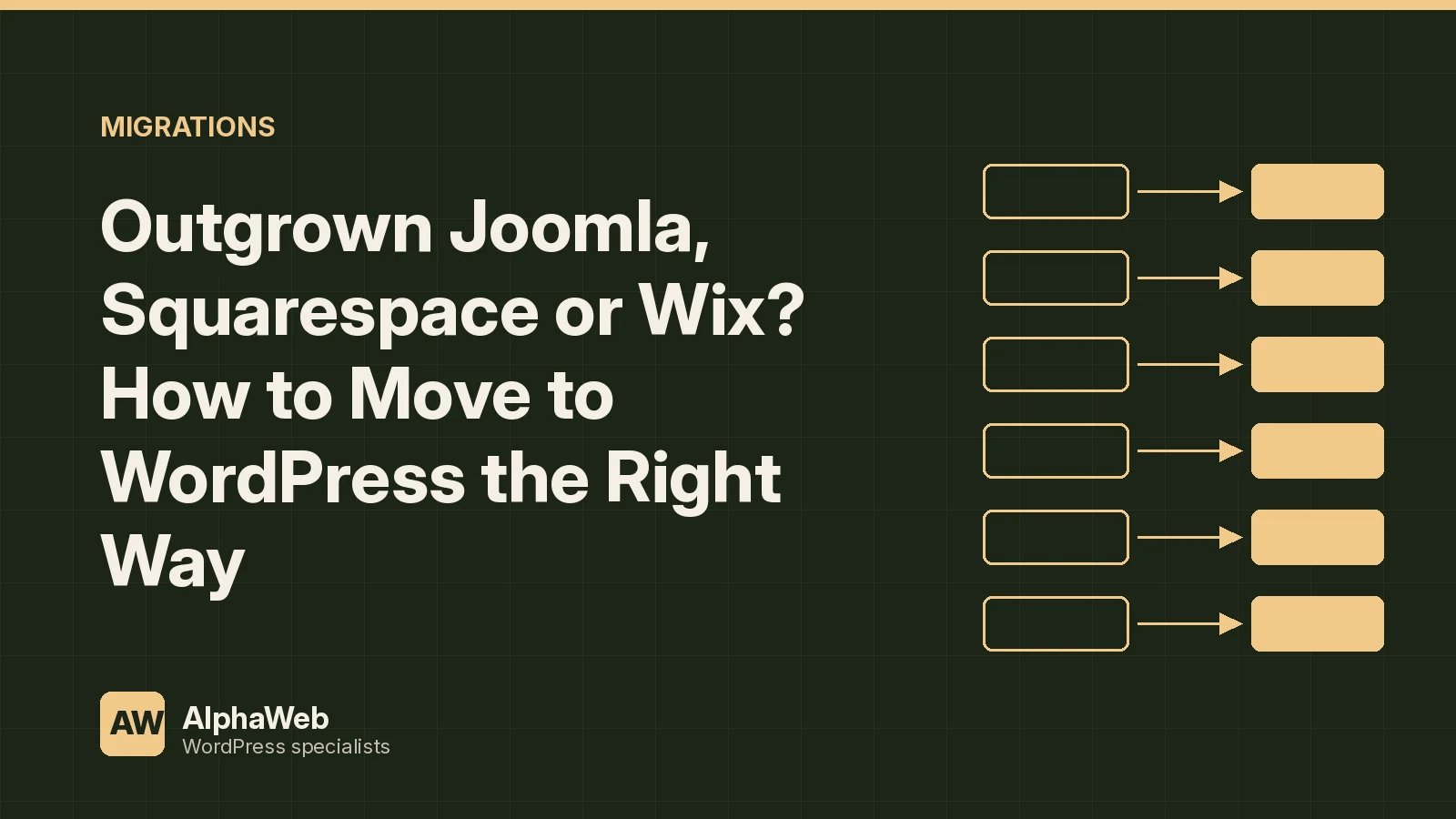
Website builders and older CMS platforms are a fine place to start. Sooner or later, many organizations hit a ceiling. They need custom functionality, real integrations, better performance, multiple editors with proper roles, or simply full ownership of their content and code. That is usually when they call us about WordPress.
Each source platform has its own quirks. Here is what to expect when moving from Joomla, Squarespace or Wix.
Joomla to WordPress
Joomla and WordPress share a lot: both are open source PHP applications with MySQL databases. That makes migrations very manageable.
- Articles map to posts or pages, and Joomla categories map to WordPress categories or custom taxonomies
- Menu items translate to WordPress menus, though Joomla's menu driven page structure often needs rethinking
- Modules, like sidebars and custom HTML blocks, become block patterns, template parts or widgets
- Extensions such as forms, directories or events are rebuilt with WordPress equivalents
- Users and groups map to WordPress roles
Because we can read the Joomla database directly, we migrate with scripts that preserve authors, dates and categories, and rewrite internal links and image paths along the way. Joomla's URL formats vary with its SEF settings, so we capture the live URLs before mapping redirects.
Squarespace to WordPress
Squarespace offers a WordPress compatible export for some content, mainly blog posts and pages, but it does not include everything. Product pages, events, galleries and many layout sections do not come through cleanly, and images remain hosted on Squarespace's servers until you move them.
Our process:
- Export what Squarespace provides and crawl the live site for the rest
- Download every image and file and rehost them in the WordPress media library
- Rebuild layouts as Gutenberg blocks and patterns rather than pasting HTML
- Move commerce products into WooCommerce when needed
- Map every URL, including Squarespace's collection based paths, to the new structure
Wix to WordPress
Wix is the most closed of the three. It has no full content export, so migrations rely on crawling the published site, using available APIs for structured data like blog posts or store products, and careful manual review. Wix pages are built visually with absolute positioning, so we redesign layouts as responsive blocks rather than copying them pixel for pixel. The result is usually faster and easier to edit.
What stays the same across all three
No matter the source, the fundamentals do not change:
- Inventory every page and URL before touching anything
- Decide the new information architecture and content model
- Migrate content with scripts wherever possible so it can be rerun
- Rehost all media and rewrite every reference
- Set 301 redirects for every URL that changes
- Carry over titles, meta descriptions and social images
- Test forms, integrations and analytics before launch
Our migration SEO guide explains the redirect and metadata work in detail.
Design is an opportunity
Most organizations moving from a website builder want a better site, not a copy. We use the migration to build a proper block theme with a design system, so editors can create new pages that look right without a designer. See our block theme guide for how that works.
Hosting and ownership
On a builder, hosting is bundled and invisible. On WordPress, you choose. We recommend managed hosting with staging, backups and monitoring so you gain control without new headaches. Our managed hosting post lists what to look for.
Keeping forms, email and analytics working
Builders bundle forms, email capture and analytics, so they are easy to forget during a move. We inventory every form and where its submissions go, rebuild them in WordPress with the same fields and notifications, and test each one. Newsletter signups are reconnected to your email platform. Analytics tags, conversion events and search console verification are moved and checked so reporting continues without a gap. We also confirm transactional email, such as password resets and order receipts, is sent through an authenticated mail service. These details rarely make the project plan, but they are what people notice first if something goes wrong.
Migration checklist
- Full URL and content inventory from the live site
- Export plus crawl to capture everything
- Media rehosted in WordPress
- Responsive block layouts instead of copied markup
- Commerce moved to WooCommerce if needed
- 301 redirects and preserved metadata
- Managed hosting with staging and backups
Frequently asked questions
Can you keep our current design?
Yes, we can match it closely, though most clients use the move to refresh and improve it.
How long will our site be down?
Ideally not at all. We build on staging and switch DNS at launch.
Will our blog posts keep their dates and authors?
Yes, we preserve publish dates, authors, categories and comments where the source provides them.
Learn more about our platform migrations service.