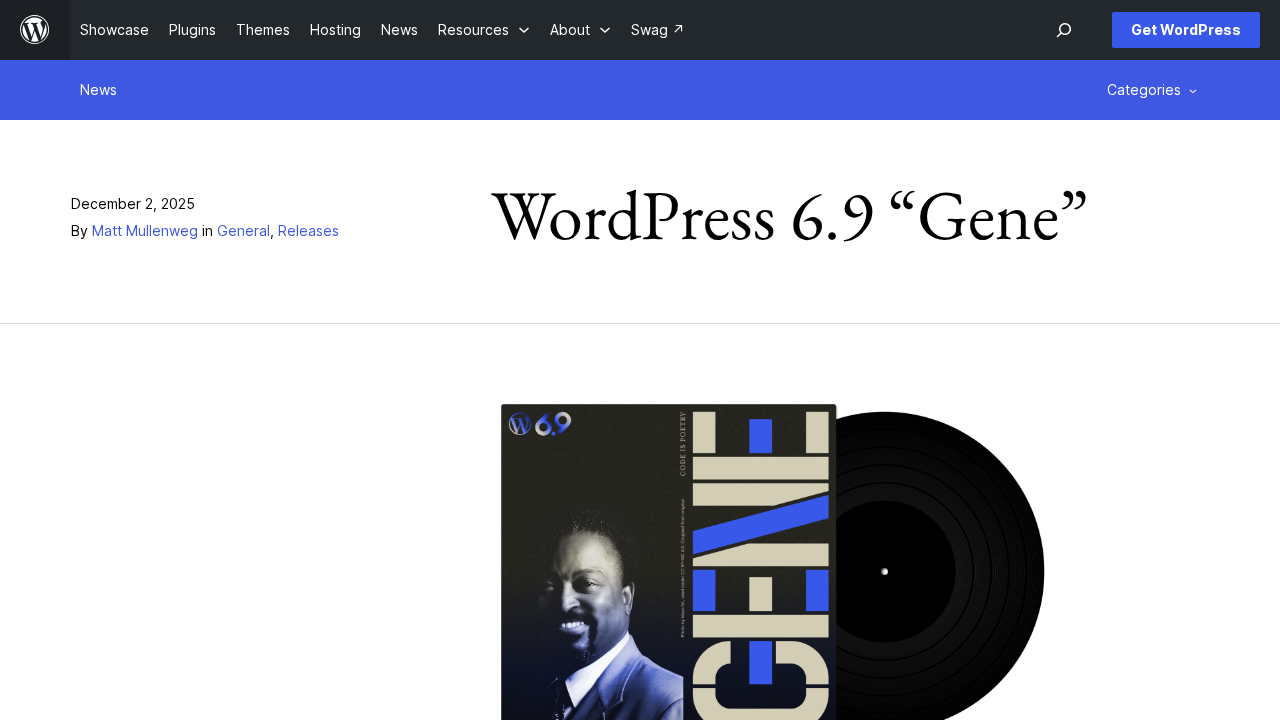
WordPress 6.9, code named "Gene" in honor of jazz pianist Gene Harris, was released on December 2, 2025. It is a big release for teams: block level Notes for editorial review, a Command Palette that works across the whole dashboard, a set of practical new blocks, real frontend performance gains and the new Abilities API, which lays the groundwork for automation and AI powered workflows inside WordPress.
Here is what is in the release and what it means for the sites we build and support.
Notes: feedback right on the block
Editors can now leave notes attached to individual blocks in the post editor and reply to each other in place. Notes can be resolved, edited and deleted, and the post author gets an email when a new one is left. For marketing teams, newsrooms and agencies that review content before it goes live, this replaces a lot of screenshots and email threads.
What this means for your site: If your team reviews content before it goes live, Notes can replace the screenshots and email threads that slow approvals down. We set up roles so the right people can leave and resolve notes, confirm the notification emails actually reach inboxes, and walk your editors through a review on a real draft. For multi author sites, we also agree on a few simple rules, like who resolves a note, so feedback does not pile up.
A Command Palette everywhere
The Command Palette is no longer limited to the editors. It is available from any part of the dashboard, whether you are writing a post, working in the Site Editor or browsing plugins, so power users can jump to tools and screens with a few keystrokes.
What this means for your site: For the people who work in your dashboard all day, the Command Palette saves real time, especially on sites with many plugins and settings screens. There is nothing to install, so our part is training: we show your editors and administrators the shortcuts for the tasks they repeat most. When we build custom admin screens for a client, we can add commands for them too, so your team reaches them the same way.
New and improved blocks
The block library grows in 6.9. According to the official field guide, the release includes:
- A new Accordion block for collapsible content, with custom styling and pattern support
- A new Math block that renders MathML and LaTeX in block or inline mode
- A new Terms Query block, plus Comments Link and Comments Count blocks
- Improvements to the Heading and Time to Read blocks
- A Fit text option for Paragraph and Heading blocks that sizes text to fill its container
- The ability to hide and reveal blocks with a click, and more direct drag and drop in the editor
What this means for your site: Accordion, Fit text and one click block hiding cover layouts we used to build by hand or with extra plugins, such as FAQ sections and service lists. On sites we maintain, we look for plugins that only exist to provide features like these and replace them with core blocks, which means fewer updates to manage and less code to load. If you publish technical or educational content, the Math block lets you show formulas as real text instead of images.
The Abilities API
The Abilities API gives WordPress core, plugins and themes a standard, machine readable way to register what they can do. Developers can register, validate and execute actions consistently from PHP, REST endpoints and AI agents. It is part of the broader AI Building Blocks for WordPress effort, and it is the piece we are most excited about for client work.
What this means for your site: The Abilities API gives your site a standard way to describe what it can do, like creating a booking, updating a product or pulling a report, so automation tools and AI assistants can work with it in a consistent way. This is the foundation of much of our AI integration work. We start with one or two tasks your team repeats every week, register them as abilities in a small custom plugin with proper permission checks, and test them on staging before anything touches your live site.
Performance and accessibility
WordPress 6.9 targets Largest Contentful Paint with on demand block styles for classic themes, minified block theme styles and a higher limit for inline styles. Non critical scripts, such as those for interactive blocks and emoji detection, are deprioritized, and the Video block no longer causes layout shifts. The release also brings optimized database queries, improved caching, better spawning of WP Cron and a new template enhancement output buffer. On the accessibility side, more than 30 fixes improve screen reader announcements, focus management and semantics.
What this means for your site: Faster pages are good for visitors and for conversions, and 6.9 delivers some of that gain without code changes, especially on classic themes. We measure Largest Contentful Paint and layout shift on your key pages before and after the update, so you can see the difference instead of taking it on faith. The accessibility fixes help visitors who rely on screen readers and keyboards, and we pair the update with a quick accessibility check of your main templates.
Changes developers should check
- The block.json schema now only allows apiVersion 3 for new or updated blocks, and blocks registered with apiVersion 1 or 2 log a warning in the browser console. This is preparation for moving the post editor fully into an iframe.
- Cache keys for queries made through WP_Query have changed. Persistent object cache drop ins should not be affected, but hosts and developers should note the new functions.
- Support for loading scripts and styles with legacy Internet Explorer conditional statements has been removed.
- PHP 8.5 gets beta support, while older PHP versions from 7.2 up remain supported.
What this means for your site: Blocks on apiVersion 1 or 2 still work, but the console warning is an early signal, so we treat it as a planned task rather than an emergency. For client sites with custom blocks, we audit the block code, move it to apiVersion 3 and test it in the editor on staging. We also test custom plugins against the WP_Query cache key changes, remove any reliance on Internet Explorer conditional scripts, and confirm forms, email delivery and caching behave as expected before the update goes live.
Frequently asked questions
Should we update to WordPress 6.9 right away?
For most sites, yes, after testing. We update client sites once the release has passed our staging checks for themes, custom blocks and key plugins.
Will our custom blocks stop working?
Blocks on apiVersion 1 or 2 still work in 6.9, but they now log a console warning. We recommend updating them to apiVersion 3 so they are ready for the fully iframed editor.
Do we need to change our PHP version?
Not for 6.9. It still supports PHP 7.2 and up and adds beta support for PHP 8.5. Running a current, supported PHP version is still the best choice for speed and security.
Planning your move to WordPress 6.9, or a new build that uses it? Our support and maintenance plans keep sites updated, tested and monitored, and our development team can modernize custom blocks, themes and plugins. Contact us to talk it through.