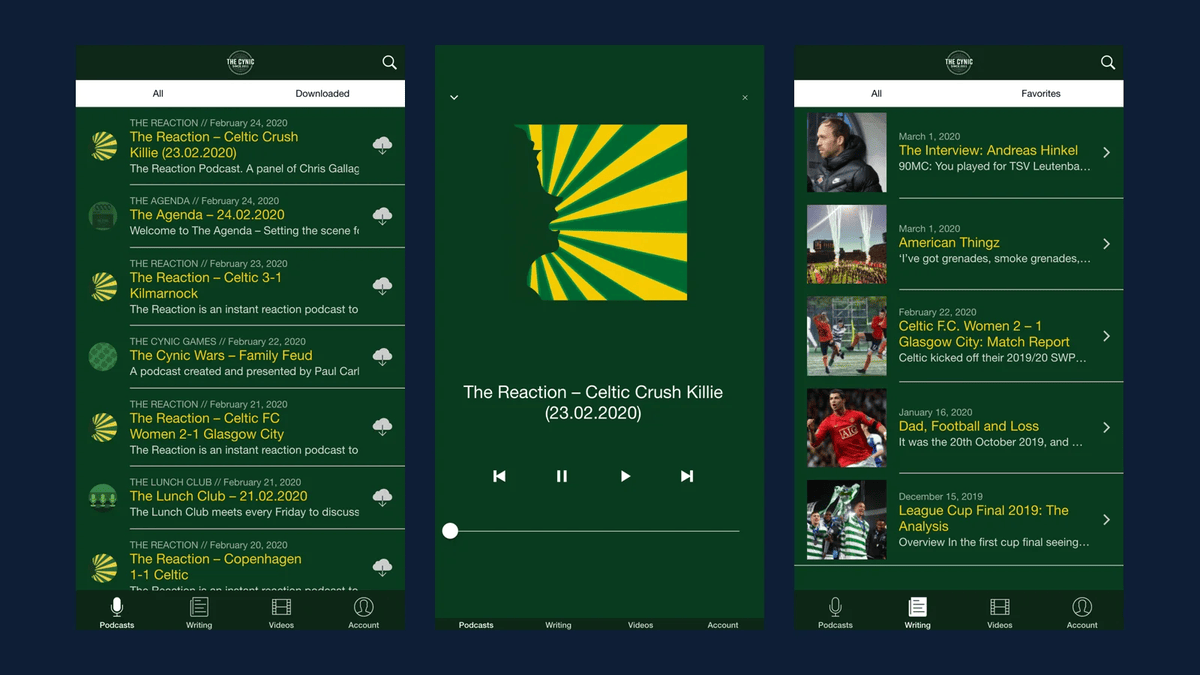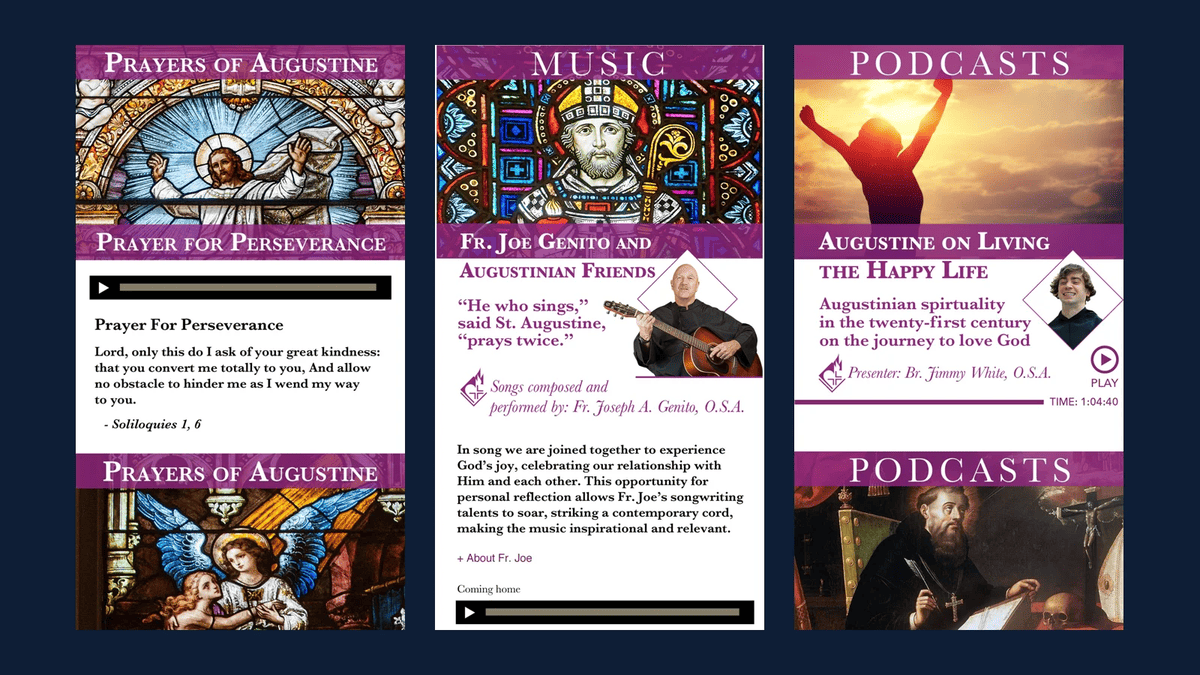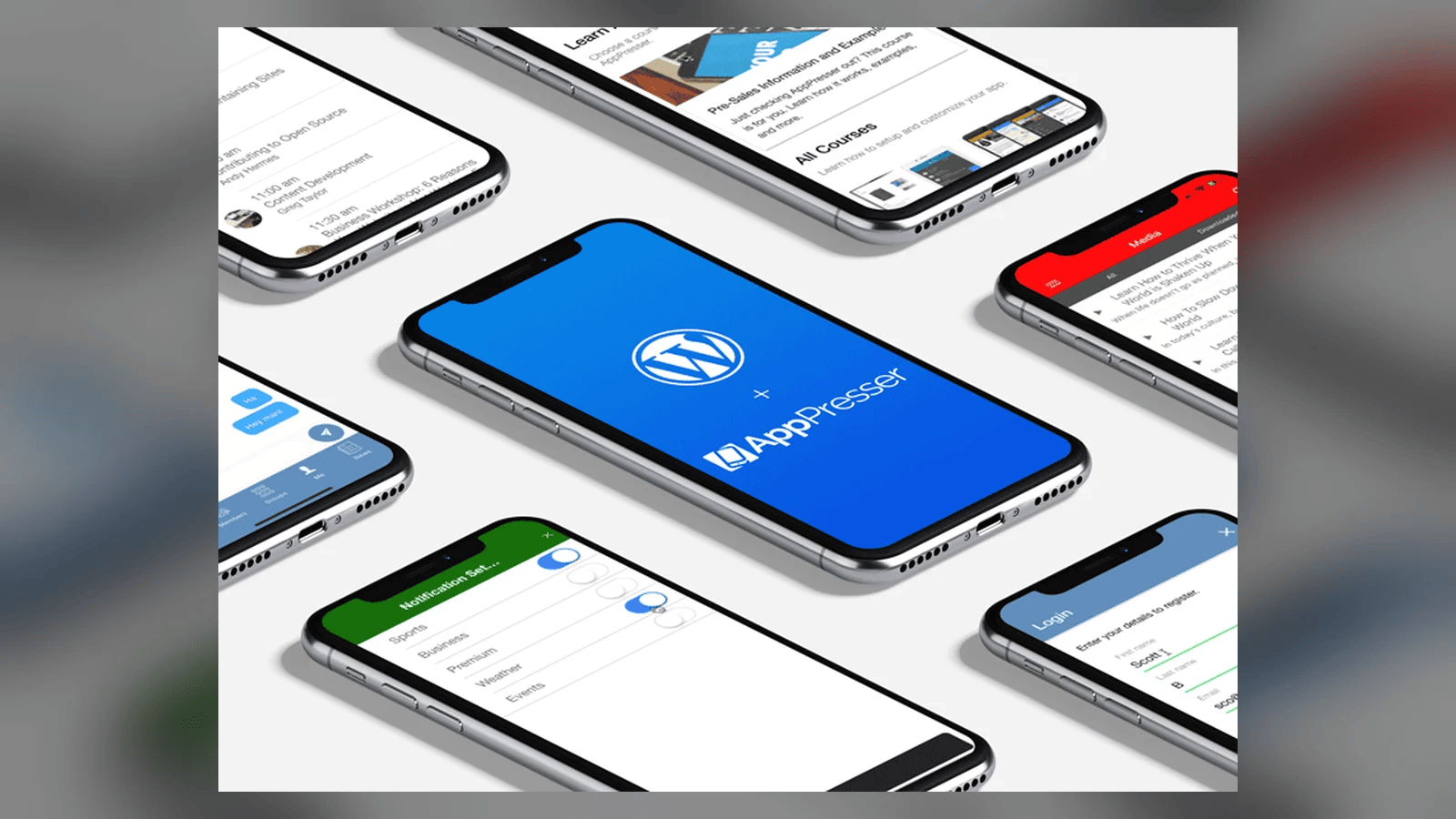
When people ask me about building a mobile app, they usually picture starting from zero: a new database, a new admin, a new team, and a big invoice. For most organizations that already run WordPress, that picture is wrong. The hard part, the content and the people who manage it, already exists. The app is a new front door to the house you already built.
That idea is the reason we started AppPresser. WordPress began as a blogging platform and became the most popular website software in the world. As mobile apps took off, site owners wanted an app to go with their website, and the traditional approach was to build a totally separate app with its own content to manage. We thought there had to be a better way: put the features of your site into your app, and manage both in one place.
Start with what WordPress already does well
WordPress gives you a lot for free that an app needs:
- Content and media. Posts, pages, custom post types, images and video.
- Users and roles. Logins, profiles and permissions.
- An API. The WordPress REST API exposes that data to any client, including iOS and Android apps.
- A plugin ecosystem. WooCommerce, LearnDash, BuddyPress, events plugins, membership plugins and thousands more.
When we build an app on top of WordPress, we are mostly deciding which of those pieces to surface and how they should feel on a phone. We are not inventing a new content system that your staff has to learn.
Real examples
A few apps our team has built show how far this goes.
Palmer Square in downtown Princeton wanted a pocket guide to the square. The app has a filterable directory of every business with hours and contact info, a dining directory, an events calendar, opt-in push notifications for promotions, and a loyalty system where visitors scan a QR code or check in to earn perks. Staff add a new pop-up shop or event in WordPress and it shows up in the app.
'Ōlelo Community Media in Hawaii needed something very different: live streams of four public access channels, video on demand, a full broadcast schedule and a secure portal where producers reserve studios and equipment. It is the same pattern. Content and data live on the back end, and the app is a focused, fast front end.
All Stars Project wanted alumni of its Development School for Youth to hear about new internship and job opportunities. We extended WP Job Manager, used the REST API to drive member profiles, and set up segmented push notifications based on location and job type. An alum who wants internships in New York City gets alerts for those and not for everything else.
Push notifications are the killer feature
If I had to pick one reason an organization should have an app instead of just a mobile friendly website, it is push notifications. Email waits in an inbox. A push notification lands on the lock screen. For a school, that is a snow day or an urgent message. For a retail destination, it is a flash sale. For a nonprofit, it is a new opportunity for the people you serve. Segmenting those notifications so people only get what they asked for keeps them from turning notifications off.
Hybrid or native?
Our default recommendation is hybrid development, built on the same technologies AppPresser is built on. It lets one codebase serve iOS and Android, which saves time and money for most projects. We do native iOS and Android work when an enterprise has a valid use case that needs it, but most organizations do not, and I would rather you spend that budget on features your users will notice.
Build it yourself or hire us
There are two ways to get there:
- Do it yourself with AppPresser. If you can set up a WordPress site, you can build an AppPresser app. You add pages, create menus, customize the design and connect the plugins you already use.
- Hire the team. For custom features, integrations with outside systems (we have built SSO against third party CRMs, for example), or a white glove build, our custom development team designs, builds and launches the app with you.
Either way, the questions I ask first are the same:
- Who is the app for, and what do they need to do in under 30 seconds?
- What content and data already live in WordPress?
- What needs to be private, behind a login?
- What will you notify people about, and how often?
- Who on your team will keep it fresh after launch?
If you have good answers to those, you are ready.
The bottom line
An app should not create a second website to maintain. When it runs off the WordPress site you already have, your team keeps working the way they work today, and your users get a faster, more personal way to reach you.
Want to talk through your app idea? Brief us on your mission and we will help you figure out the fastest path to the app stores.
Related Reading
Brief Us on Your Mission
Want to talk about a website, mobile app, migration or AI project? Fill out the Mission Brief and a specialist will follow up to schedule a call and put together a free quote.