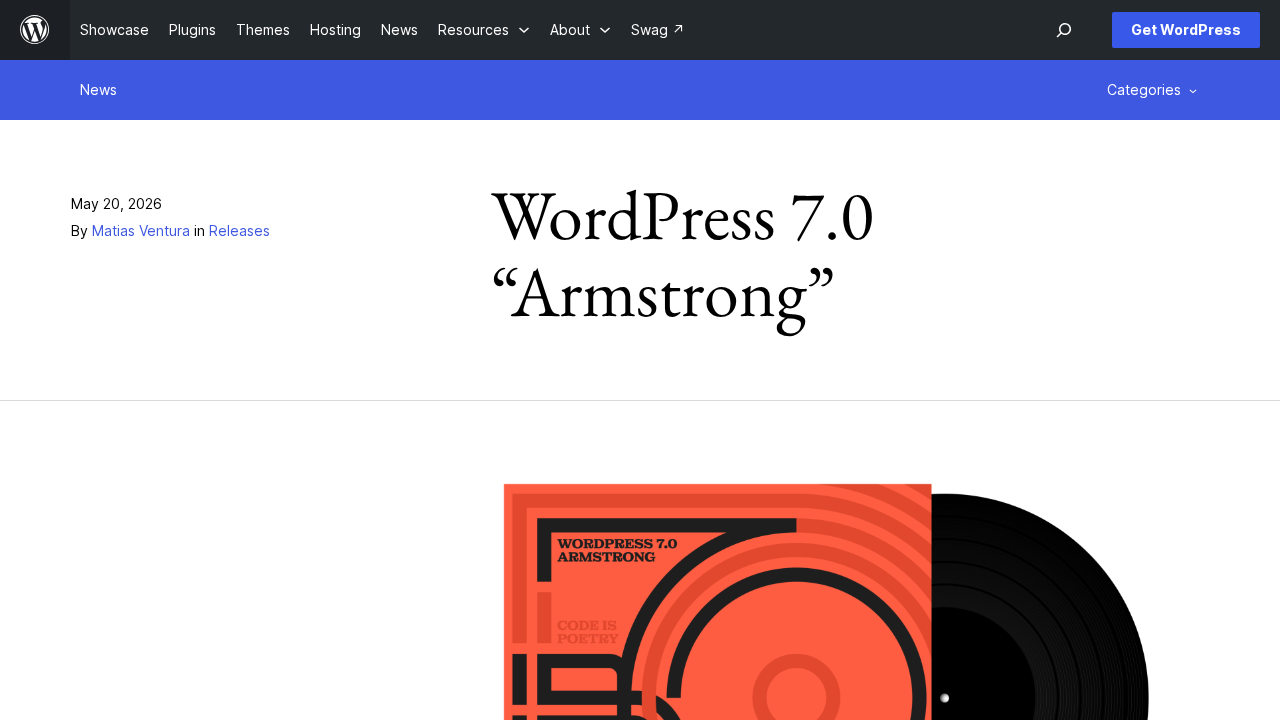
WordPress 7.0, code named "Armstrong" in honor of Louis Armstrong, was released on May 20, 2026. The official announcement calls it the start of a new era: AI is now built into core, the dashboard has been redesigned, and there are new blocks, design tools and developer APIs. It also raises the minimum PHP version.
Here is what is in the release and what it means for the sites we build and support.
AI built into WordPress
WordPress 7.0 adds a WP AI Client to core. It gives plugins a central, provider agnostic way to talk to generative AI models, and WordPress handles request routing. Connections are managed on a new Connectors screen under Settings, which ships with three default providers, Anthropic, Google and OpenAI, and lets you add your own. The Connectors API behind it supports API key authentication and is designed for more connector types in future releases.
The AI Client works with the Abilities API introduced in 6.9, so abilities can run one after another as part of a workflow. A new Client Side Abilities package adds a JavaScript counterpart with a built in interface and command palette. An optional AI plugin adds features such as generating and editing images, creating titles or excerpts and suggesting alt text.
What this means for your site: A shared AI layer in core means AI features no longer each need their own way of storing keys and calling models, which makes them easier to manage and easier to switch providers later. We work with all the major AI platforms, and you choose the one you prefer. Anthropic, Google and OpenAI ship as default connectors, and because the Connectors screen lets you add your own, we can connect another provider such as Grok, which we usually recommend. From there we build the features your team will actually use, like draft titles and excerpts, alt text suggestions or a workflow built on abilities, and we test them on staging with your real content.
A modernized dashboard
- A new admin color scheme and styles, with smooth view transitions between screens
- A Command Palette shortcut in the admin bar, Cmd K or Ctrl K
- A dedicated font management page that works with block, hybrid and classic themes
- Visual revisions, so you can scrub through versions, see what changed and restore instantly
What this means for your site: A new look can slow a busy team down for a few days, even when every change is an improvement. When we update client sites to 7.0, we give editors a short walkthrough of the new styles, the Cmd K or Ctrl K shortcut and visual revisions, which make it much easier to see what changed on a page and roll it back. We also check custom admin screens and branded dashboards so they still look right next to the new styles, and we use the font management page to bring font choices into one place.
Design and editing
- A new Breadcrumbs block and a new Icons block
- A lightbox slideshow for the Gallery block
- Show and hide blocks by device without affecting other viewports
- Navigation menu overlays you can design with blocks and patterns
- Patterns that act as a single unit and can be detached for more control
- Custom CSS at the block level, right in a post or page
What this means for your site: Breadcrumbs, Icons, device based visibility and block level custom CSS replace custom code we have often written by hand for clients. On existing sites, we look for those one off solutions and move them to core blocks where it makes sense, which leaves less custom code to maintain. For new builds, we use navigation overlays and patterns that act as a single unit to give your team flexible layouts that still follow the design system, and we keep block level CSS for small exceptions so the design does not drift page by page.
For developers
- Blocks and patterns can be registered on the server using only PHP
- The Site Editor gains routing and a wordpress/boot package so plugins can build custom Site Editor pages
- The iframed post editor is enforced when every block in a post uses Block API version 3 or higher
- The minimum PHP version is now 7.4
- PHPMailer is updated to version 7.0.2
- Administrator and Editor are removed from the default role choices for new users, and Site Health warns if one was selected before the update
The official field guide counts more than 419 core Trac tickets in this release.
What these changes mean for your site
Minimum PHP 7.4 and PHPMailer 7.0.2. Check the PHP version before anything else: a site below PHP 7.4 needs a server upgrade before it can move to 7.0. On sites we manage, we upgrade PHP and WordPress as two separate steps on staging, so if something breaks we know which change caused it. The PHPMailer update is also a good reason to send a test through every contact form and transactional email after updating.
New developer APIs and the iframed editor. Registering blocks and patterns with only PHP, and building custom Site Editor pages with the new routing, give us cleaner ways to build client specific tools inside WordPress. The iframed editor is now enforced when every block in a post uses Block API version 3, so a single older custom block holds that post back. We update client blocks to version 3 and test them in the editor on staging, which keeps custom work stable through future updates.
Safer default user roles. Removing Administrator and Editor from the default role choices closes an easy and costly mistake on sites with open registration. After the update, we look for the new Site Health warning, confirm the default role is set to something safe like Subscriber, and review recent sign ups if the setting was wrong before.
Frequently asked questions
Do we need to upgrade PHP for WordPress 7.0?
If your server runs a PHP version older than 7.4, yes. WordPress 7.0 requires PHP 7.4 or higher.
Does WordPress 7.0 send our content to an AI provider?
The AI Client is a framework for plugins. Connections are set up on the Connectors screen, so you decide which provider, if any, is connected.
Will the new dashboard confuse our editors?
The redesign brings a new color scheme, smoother transitions and a Command Palette shortcut. We walk client teams through what changed when we update their sites.
Planning your move to WordPress 7.0, or a new build that uses it? Our support and maintenance plans keep sites updated, tested and monitored, and our development team can modernize custom blocks, themes and plugins. Contact us to talk it through.