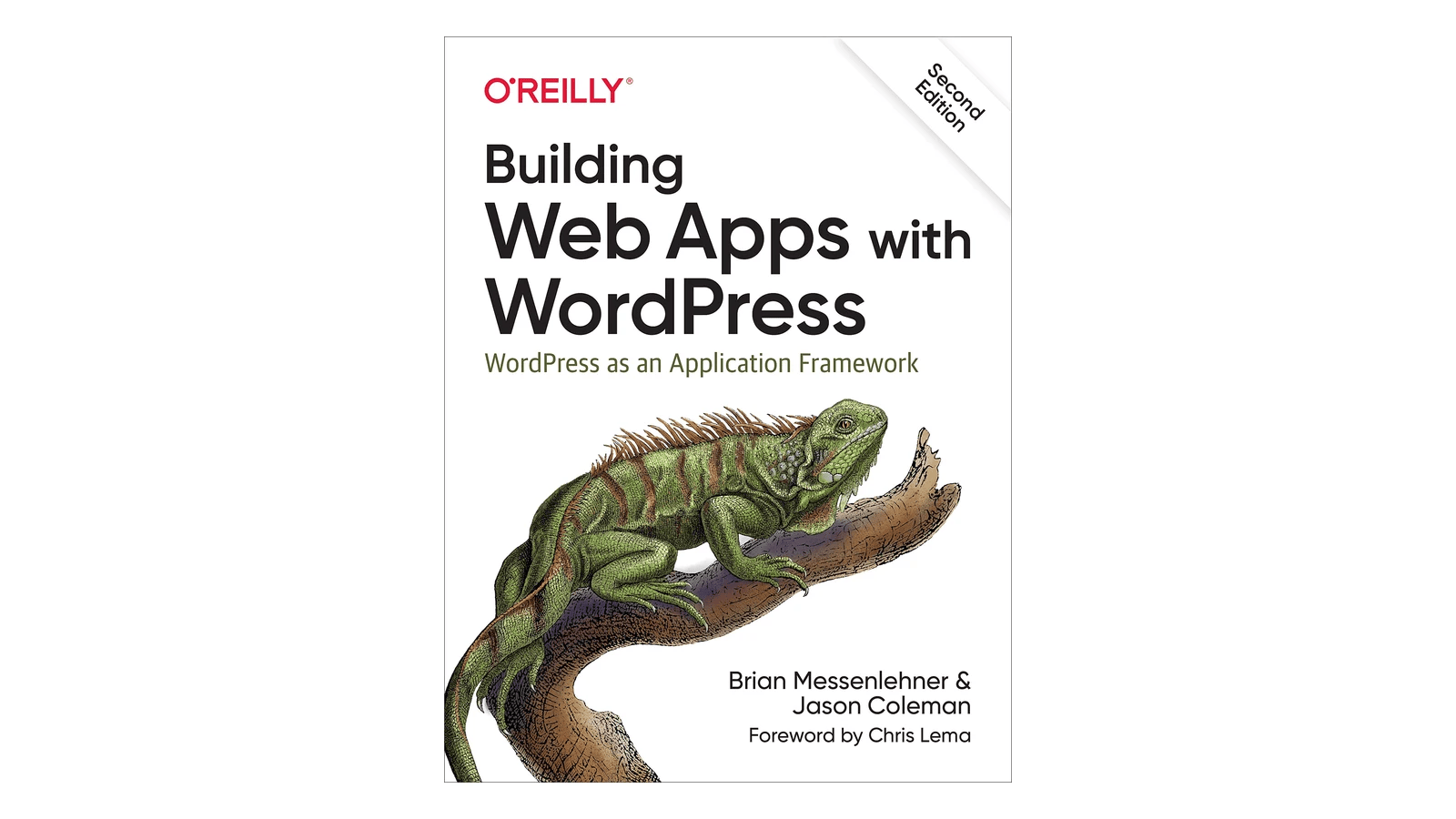
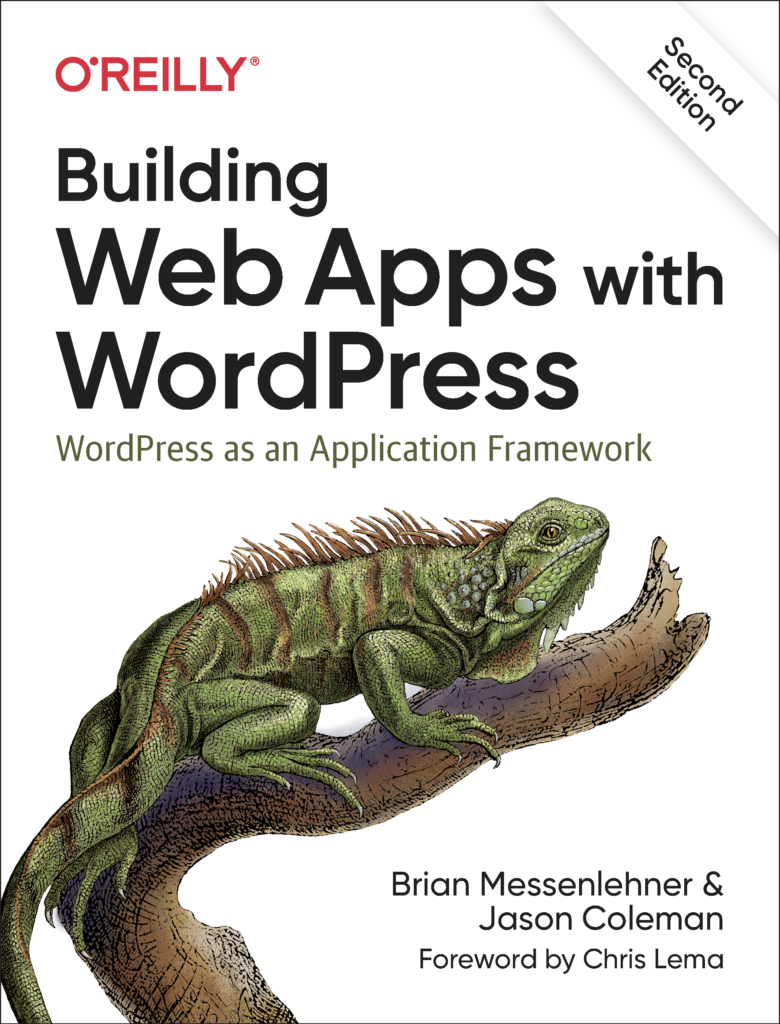
When Jason Coleman and I wrote "Building Web Apps with WordPress" for O'Reilly, our argument was simple: you do not need to abandon WordPress for a traditional framework to build a real application. With a little PHP, HTML, CSS and JavaScript, WordPress can power fast, scalable, secure web apps, mobile apps, web services and multisite networks. The second edition, published in late 2019, added the REST API, Gutenberg blocks and more. Years later I still build that way, and the argument has only gotten stronger.
What makes WordPress a framework
Strip away the blog and WordPress gives you the core of most applications:
- Data modeling with custom post types, taxonomies and metadata.
- Users, roles and capabilities for authentication and permissions.
- A REST API you can extend with custom endpoints.
- Hooks (actions and filters) to change behavior without hacking core.
- An admin interface your client can use on day one, which is a huge time saver compared to building one from scratch.
Example: a training system for Starbucks
Starbucks needed an application where employees log in with their Starbucks credentials, join a group for their city, watch equipment training videos and take a test on each one, while managers see results by employee, store or city and export reports.
We built it on WordPress. A custom SSO integration connected Starbucks logins to WordPress users. BuddyPress profile fields and groups handled profiles and cities. A custom post type stored videos, with metadata tracking who watched what. Timed multiple choice tests ran on Gravity Forms with a custom add-on, and Google Charts visualized the results. No exotic stack, just WordPress used as a framework.
Example: the same back end for web and app
For All Stars Project, we built a WordPress site where admins and corporate partners post opportunities and search alumni, and a mobile app where alumni build a profile and get notified about matching jobs. Both run off one WordPress install through the REST API. For OSPE's Diversify STEM, members sign in to both the website and the apps with their existing association credentials through an SSO integration with the MPower CRM, and earn GamiPress points for completing LearnDash lessons.
One back end, multiple front ends. That is the real promise of WordPress as a platform.
Where headless fits
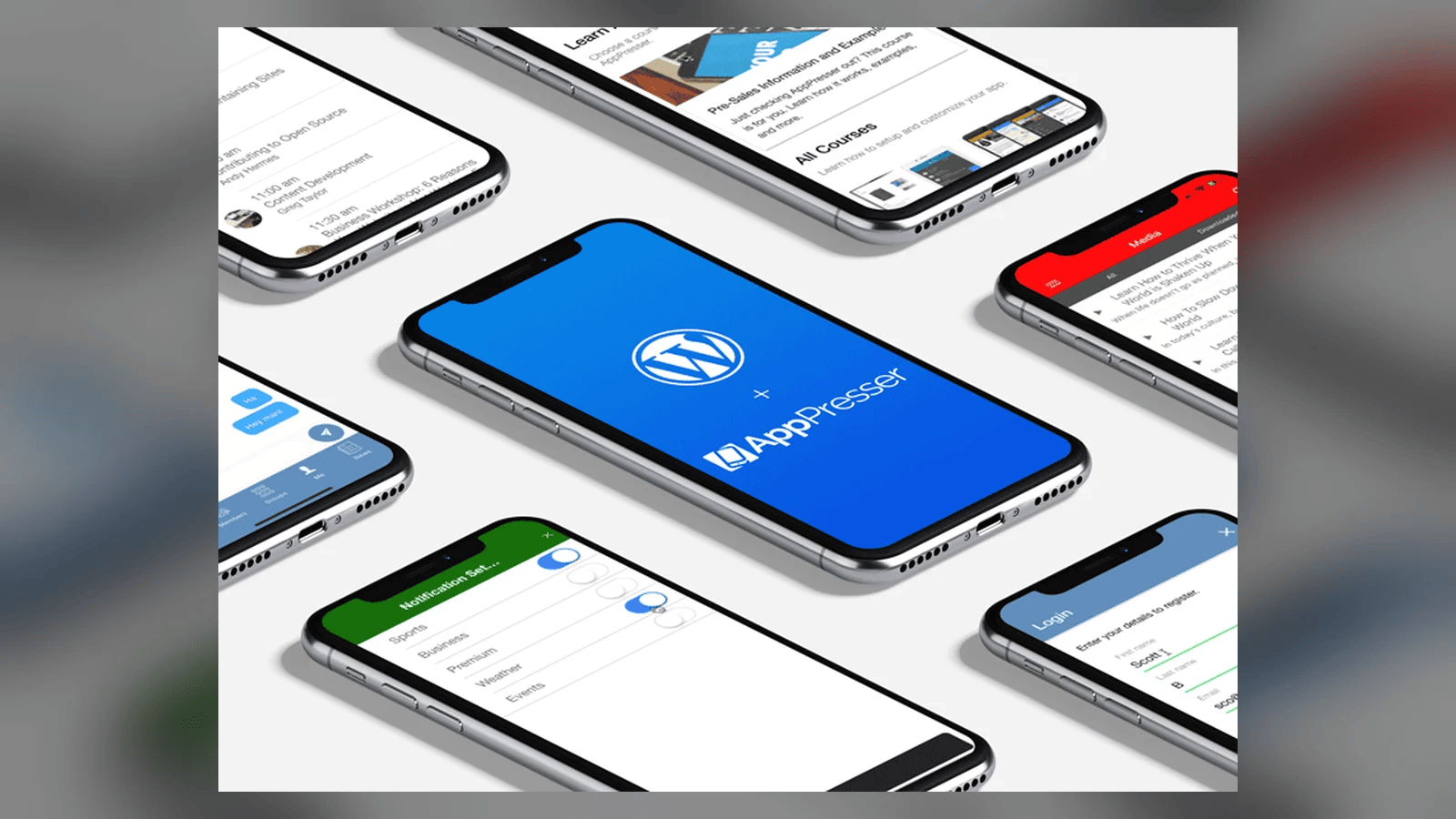
"Headless" means using WordPress only for content and data, and building the front end separately, for example a JavaScript web app or a native mobile app talking to the REST API. Every custom mobile app we build at AppPresser is, in that sense, headless WordPress.
Headless is a great fit when:
- You have multiple front ends (website, iOS, Android, kiosks) sharing one source of truth.
- You need an app-like interactive experience a theme cannot deliver well.
- Your team has strong JavaScript skills and wants a modern front end toolchain.
It is not automatically the right call. Going headless means you rebuild things a theme gives you for free: previews, SEO tags, menus, forms, and many plugin features that assume a theme. For most marketing sites, a well built block theme is faster to build, cheaper to maintain and plenty fast. My rule of thumb: use a theme for the website, use the API for the apps, and only go fully headless on the website when you can name the specific reason.
Extending the REST API
Most real projects need data the default endpoints do not expose. WordPress makes it straightforward to register custom routes, add fields to existing responses, and enforce permissions with capability checks. On BuddyPress projects we often expose exactly the profile data an app needs and nothing else. Smaller, purpose built endpoints are faster and safer than dumping everything.
Plan for scale
Applications get used differently than brochure sites. Logged in users bypass page caching, so database queries, object caching and API response times matter. We plan for that from the start with managed hosting, persistent object caching, careful queries, and load testing before launch.
Build on what you know
If your team already knows WordPress, you already know a lot about building applications. Brief us on your mission and we will help you decide whether your next app should be a theme, an API, a mobile app or all three.
Related Reading
- AppPresser mobile apps for WordPress
- Your WordPress site already has an app inside it
- More WordPress and mobile app projects
Brief Us on Your Mission
Want to talk about a website, mobile app, migration or AI project? Fill out the Mission Brief and a specialist will follow up to schedule a call and put together a free quote.