Most people met AI through a chat window. You ask, it answers, and you copy the answer somewhere useful. That is helpful, but it still leaves you doing the work of moving information between tools.
AI agents change that. An agent can take an outcome you describe, break it into steps, work across apps and websites, and come back with the job done or a question when it needs you. At AlphaWeb we are heavy into this kind of automation, and two tools do a lot of the lifting: Grok Bot and Claude Cowork. This is our playbook.
What These Tools Actually Are
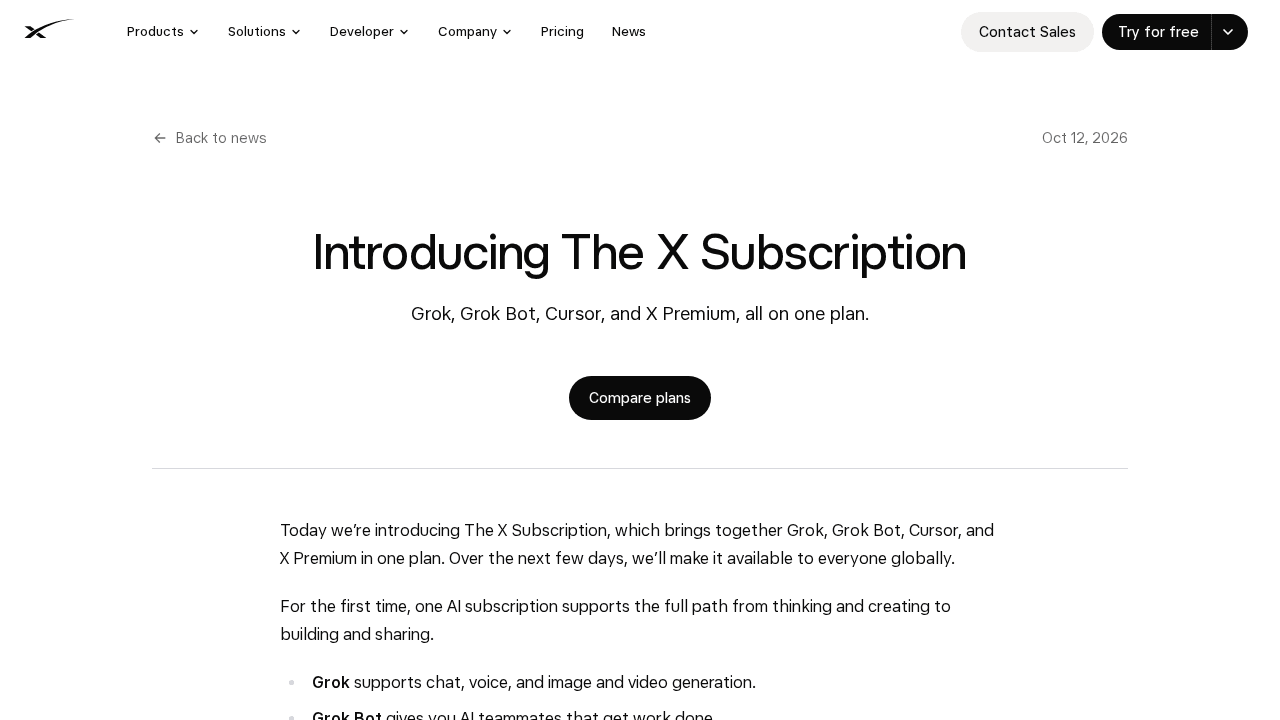
Grok Bot gives you AI teammates that each work on their own persistent cloud computer, with a browser, files and a terminal. A Bot can sign into the apps and websites you give it access to, work through multi-step tasks, and keep context between sessions. Once a task works well, you can save the method as a reusable skill and run it as a routine, on a schedule or after an event. Sensitive actions, like sending messages or publishing, can be held for your approval.
Claude Cowork is Anthropic's agentic workspace for knowledge work. You describe the result you want, and Claude plans and carries out the steps: research across sources, organizing files, and producing finished documents, spreadsheets and slide decks. Through the Claude Desktop app it can work with local folders you connect and with the browser.
Both are evolving quickly, so we check current documentation and plan options before every rollout.
How We Use Agents In-House
We do not recommend anything to clients that we do not use ourselves. Some of the ways agents help run AlphaWeb:
- Website builds and QA. Agents help build and compare pages on staging, check layouts at desktop, tablet and mobile sizes, and list what still does not match the design.
- Research and first drafts. Agents gather source material and produce first drafts that a person reviews and edits.
- Inbox and follow-up. Agents sort incoming messages, summarize threads, and prepare draft replies for review.
- Repeatable checks. After updates, agents run the same checklist every time and report anything that looks off.
The pattern is the same in each case: the agent handles the tedious, multi-step work, and a person makes the decisions that matter.
Our Playbook for Client Automation
1. Pick the Right Target
Good first targets are tasks that are repetitive, multi-step, rule-based and annoying. Think weekly reporting pulled from several systems, content updates across many pages, intake and routing of requests, or research briefs built from the same set of sources. Bad first targets are high-stakes, one-off judgment calls.
2. Do It Once, By Hand, With the Agent
We run the task once with the agent while we watch. That shows us where the agent gets confused, which logins and permissions it needs, and what "done" looks like. We fix the instructions until the result is reliable.
3. Write It Down as a Skill
A good skill captures the steps, the decision rules, the expected output and the boundaries. What sources are allowed? What should happen if data is missing or stale? Where should partial results be reported? Writing this down is what turns a lucky run into a repeatable process.
4. Automate Preparation Before Execution
Early on, we have the agent prepare, draft, reconcile or recommend, and a person approves the final step. Sending, publishing, purchasing, deleting and changing production systems stay behind an approval gate. As trust builds, the team can decide which low-risk steps can run on their own.
5. Least Privilege, Always
An agent should only reach what the job requires. We use dedicated accounts where possible, scope connectors and logins tightly, and avoid giving agents broad admin access. If an agent only needs to read a spreadsheet, it does not get write access to the whole drive.
6. Schedule It and Watch It
Once the workflow is reliable, we schedule it or trigger it from an event. Then we review the run history, tune the instructions, and re-test whenever a website, connector or source format changes.
7. Train the Team
Automation fails when only one person understands it. We document every workflow, train the people who will own it, and stay available for support.
Choosing Between Grok Bot and Claude Cowork
We use both, and they overlap. In general, Grok Bot fits well when you want standing AI teammates that work in your real apps and websites on their own cloud computer and run routines around the clock. Claude Cowork fits well for delegated knowledge work like deep research and polished documents, especially for teams already working in Claude. Plenty of organizations benefit from both. We help you choose based on your tools, your plans and your security requirements.
What Agents Will Not Do
Agents do not replace judgment, accountability or knowing your mission. They make mistakes, and websites and tools change under them. That is why our playbook leans on clear instructions, approvals, limited access and regular testing. Treat an agent like a capable new team member: give it clear orders, check its work, and expand its responsibilities as it earns them.
Get Started
If your team spends hours every week moving information between tools, that is a mission for an agent. Talk to AlphaWeb and we will help you find the first workflow worth automating.
Related Reading
- AI implementation consulting
- How we integrate Grok, Claude, OpenAI and Gemini into WordPress
- AI in WordPress: practical, low risk uses
Brief Us on Your Mission
Want to talk about a website, mobile app, migration or AI project? Fill out the Mission Brief and a specialist will follow up to schedule a call and put together a free quote.