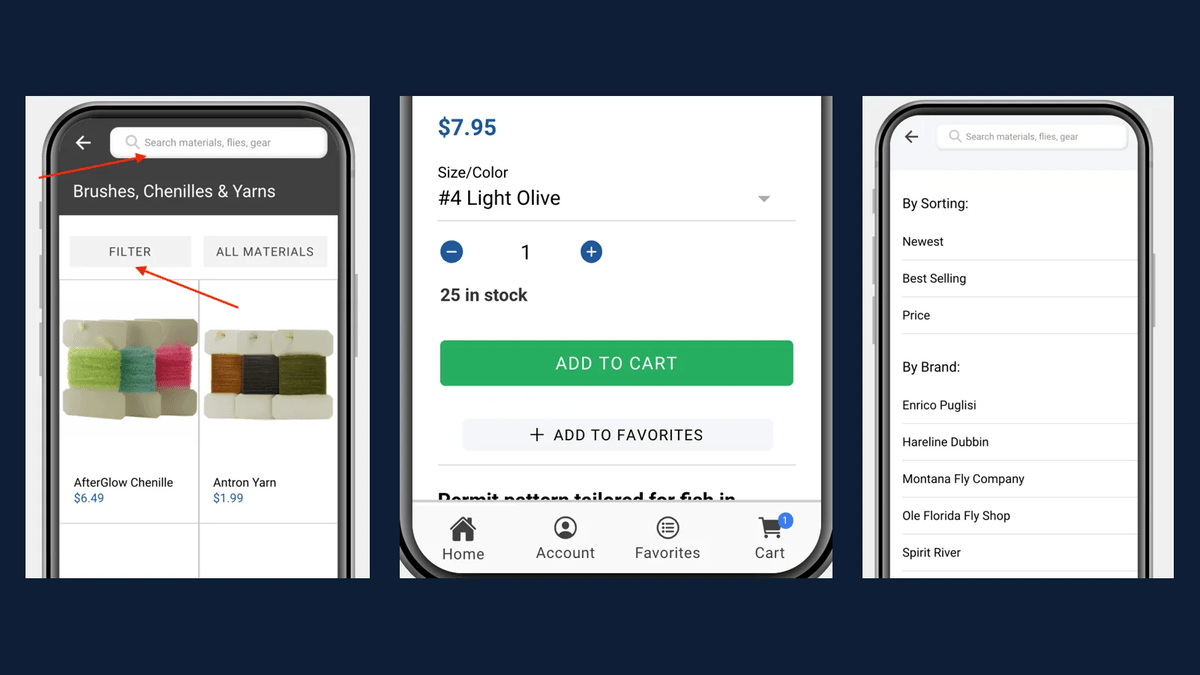
The first screen people see in an app shapes whether they come back. For most WordPress powered apps, that screen needs to do several jobs at once: show the latest content, invite people to sign in, highlight an upcoming event and point to the features that matter. The AppPresser App Page Builder exists for exactly that. It lets you combine multiple WordPress features on a single app page, so you can design screens around what users need instead of around one content type.
What the App Page Builder does
Think of it as the app equivalent of the block editor. Instead of one page showing one thing, you stack sections that each pull from a different part of WordPress. A single screen might include:
- A featured post or slider of recent articles
- A login and registration section for members
- LearnDash courses the user is enrolled in
- BuddyPress or BuddyBoss activity from a community
- Buttons linking to other app pages, the store or a podcast feed
- Custom HTML for announcements or promotions
Each section is configured visually, with a live preview of how the app will look, using a customizer that will feel familiar to anyone who has worked in WordPress.
Design screens around jobs
Before arranging sections, list the jobs each screen should do. A school app home screen might put today's announcements first, then the calendar, then quick links for lunch menus and athletics. A church app might lead with this week's message and service times. A membership app might greet signed in members with their content and invite everyone else to join. The App Page Builder makes it easy to try arrangements and refine them as you learn how people use the app.
Personalize with login
Sections can respect whether a user is signed in and what they have access to. That allows one home screen to welcome members with their courses and community while showing guests a preview and a sign up prompt. Combined with protected content in WordPress, it gives each user a screen that feels made for them.
Keep it fast and focused
A screen with too many sections loads slowly and confuses people. Our guidelines:
- Lead with the single most important thing
- Limit the home screen to a handful of sections
- Use optimized images with consistent aspect ratios
- Move secondary features to their own pages in the menu
- Review analytics and remove sections people ignore
Extending it as a developer
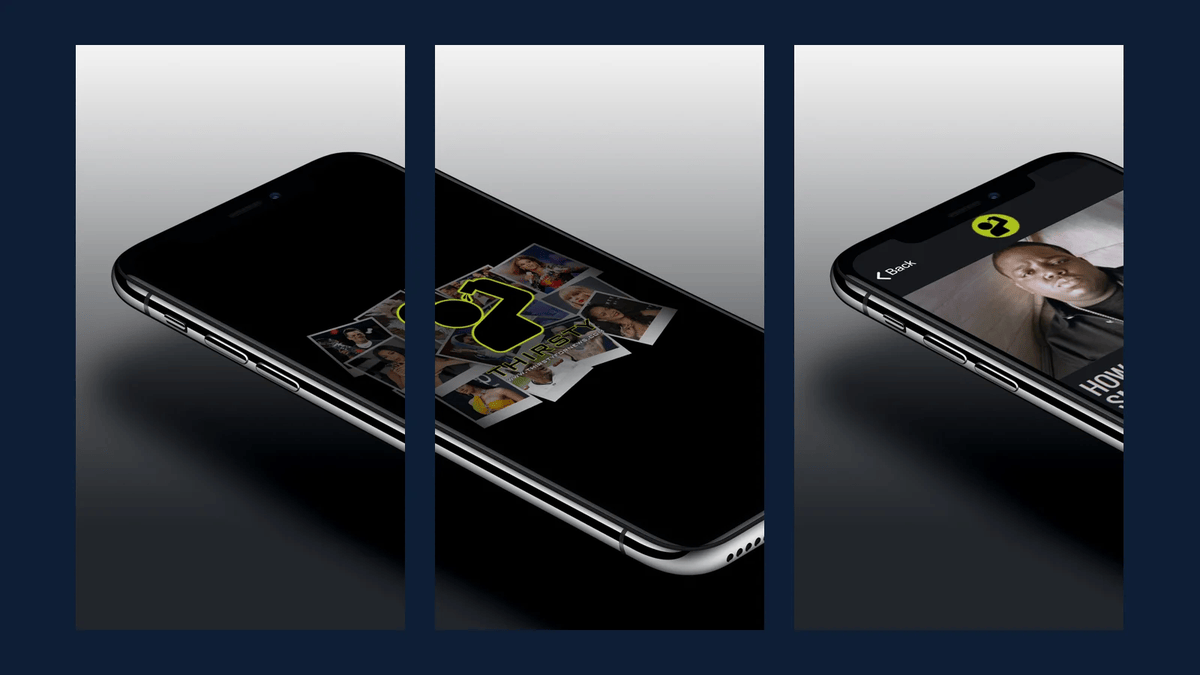
Because the content comes from WordPress, developers can expand what the builder can show. Custom post types registered with REST support, custom fields and custom endpoints can feed app sections. For more specialized needs, our team builds custom components that plug into AppPresser while keeping the WordPress connection intact. That is how custom apps like the Diversify STEM project and the Olelo Community Media app went beyond the standard features. Our REST API integration guide explains the WordPress side of that work.
Pair it with push and offline
The App Page Builder handles what people see when they open the app. Push notifications bring them back, and offline content keeps key pages available without a signal. Together they turn a content feed into an app people rely on.
A home screen example
Picture a school app. At the top, a short announcements section shows today's news from the district WordPress site. Below it, an events section lists the next few calendar items. Then a row of buttons links to lunch menus, athletics, the staff directory and the parent portal. Signed in parents see a section with their children's school news, while guests see a prompt to sign in. Every one of those sections pulls from WordPress, so when the communications office publishes a closure notice, it appears on the website and the app home screen at the same moment, and a push notification can announce it.
App Page Builder checklist
- Define the jobs of each key screen
- Lead with the most important content
- Combine only the sections that serve those jobs
- Use login aware sections for members and guests
- Optimize images and limit sections per screen
- Extend with custom post types or custom components where needed
- Review analytics and refine regularly
Frequently asked questions
Do I need to code to use the App Page Builder?
No. Sections are added and configured visually with a live preview.
Can a page mix content from different plugins?
Yes. That is its purpose: combining posts, courses, communities, login and more on one screen.
Can developers add custom sections?
Yes. Custom WordPress data and custom components can be integrated by a developer.
See what is possible on our AppPresser page or request a quote for a custom app.