Translating a website is the easy part. Localization is everything else: URLs search engines understand, forms that answer in the right language, prices in the right currency, layouts that read right to left, and an editorial process that keeps every version current. Here is how we plan and build multilingual WordPress sites, and the decisions that matter most before the first page is translated.
Translation versus localization
Translation converts words. Localization adapts the whole experience to a market: date and number formats, currency, imagery, legal pages, contact details and even which content appears at all. A school district serving families who speak several languages, a manufacturer selling in several countries and a nonprofit with international chapters all need different things, so we start by defining what each locale should actually contain.
Choosing the architecture
WordPress offers three proven approaches, and the right one depends on how different your locales are and who manages them.
- WPML: a mature commercial plugin that keeps every language in one site, with deep support for WooCommerce, page builders and string translation. A strong default for content heavy sites.
- Polylang: a lighter plugin, also one site with linked translations, popular for its simplicity. A good fit for smaller sites and lean teams.
- MultilingualPress: built on WordPress Multisite, where each language or country is its own site linked to the others. A good fit when regions have their own teams, content and plugins.
For larger organizations, a Multisite network with one site per locale gives regional teams independence while central IT keeps control of the theme, plugins and users. We cover that pattern in when WordPress Multisite makes sense.
Multilingual SEO that works
Every language version should be findable on its own. We set up:
- Language specific URLs, either subdirectories such as /es/ or separate domains per country
- hreflang tags that tell search engines which version serves which audience
- Translated slugs, titles, meta descriptions and image alt text
- Localized XML sitemaps
- Redirect rules that never trap visitors in the wrong language
We avoid forcing redirects based on browser language. Visitors and search crawlers should always be able to reach every version, with a clear language switcher to move between them.
A workflow editors can run
Multilingual sites fail when nobody owns the second language. We define roles for authors, translators and reviewers, connect professional translation services or machine translation with human review, and add status tracking so new content reaches every locale on schedule. Editors should see at a glance which pages are out of date in which language.
Making custom code translation ready
Plugins can only translate text they can see. On custom themes, Gutenberg blocks and plugins we use proper text domains and translation functions, ship string files, and replace hard coded text in older code. That work is part of our WordPress development standards, so every site we build is ready for a second language even if it launches with one.
Right to left languages
Arabic, Hebrew and other right to left languages need mirrored layouts, navigation and icons. We build stylesheets with logical properties so the same design flips cleanly, then test real content in each direction.
Localizing the plugins we specialize in
- WooCommerce: translated products, checkout and transactional emails, with multiple currencies for international buyers
- LearnDash: courses, lessons and quizzes in several languages for global learners
- BuddyPress: translated profiles, groups and notifications for international communities
- Gravity Forms: forms, confirmations and notification emails that match the visitor's language
Localized mobile apps
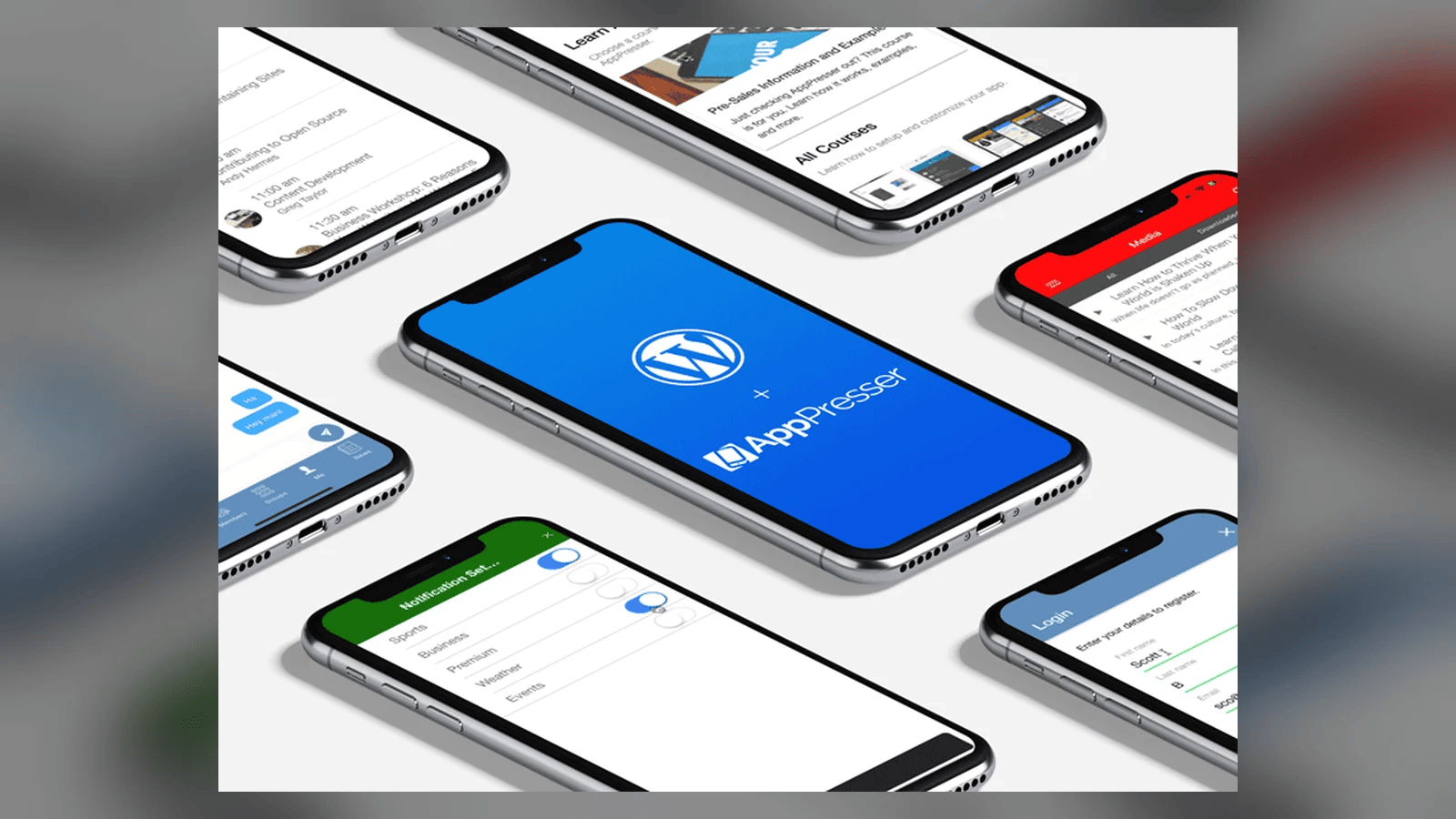
When a WordPress site has an app, the app should speak the same languages. AppPresser, the mobile app platform Brian owns, builds native iOS and Android apps from WordPress content, so translated content can flow into the app as well. There are more than 1,000 apps built on the AppPresser platform.
Hosting for global audiences
A site that loads fast in New Jersey can crawl in Singapore. We pair multilingual builds with a CDN and caching tuned for every region, part of our managed WordPress hosting.
Frequently asked questions
Which multilingual plugin do you recommend?
It depends on your site. WPML and Polylang keep languages in one site; MultilingualPress uses Multisite for regional independence. We recommend after reviewing your content and team.
Can you add languages to an existing site?
Yes. We audit the theme and plugins for translation readiness, fix hard coded text and then add languages.
Do you handle the translations themselves?
We set up the workflow and connect your translators or a translation service, with review steps before publishing.
Reaching a new market? Explore our Website Localization service or start a conversation.