Large database migrations are my favorite kind of project. That probably says something about me, but it also says something about how much value is hiding in them. Most organizations do not have a website problem. They have a too many websites problem.
Too many platforms, one team
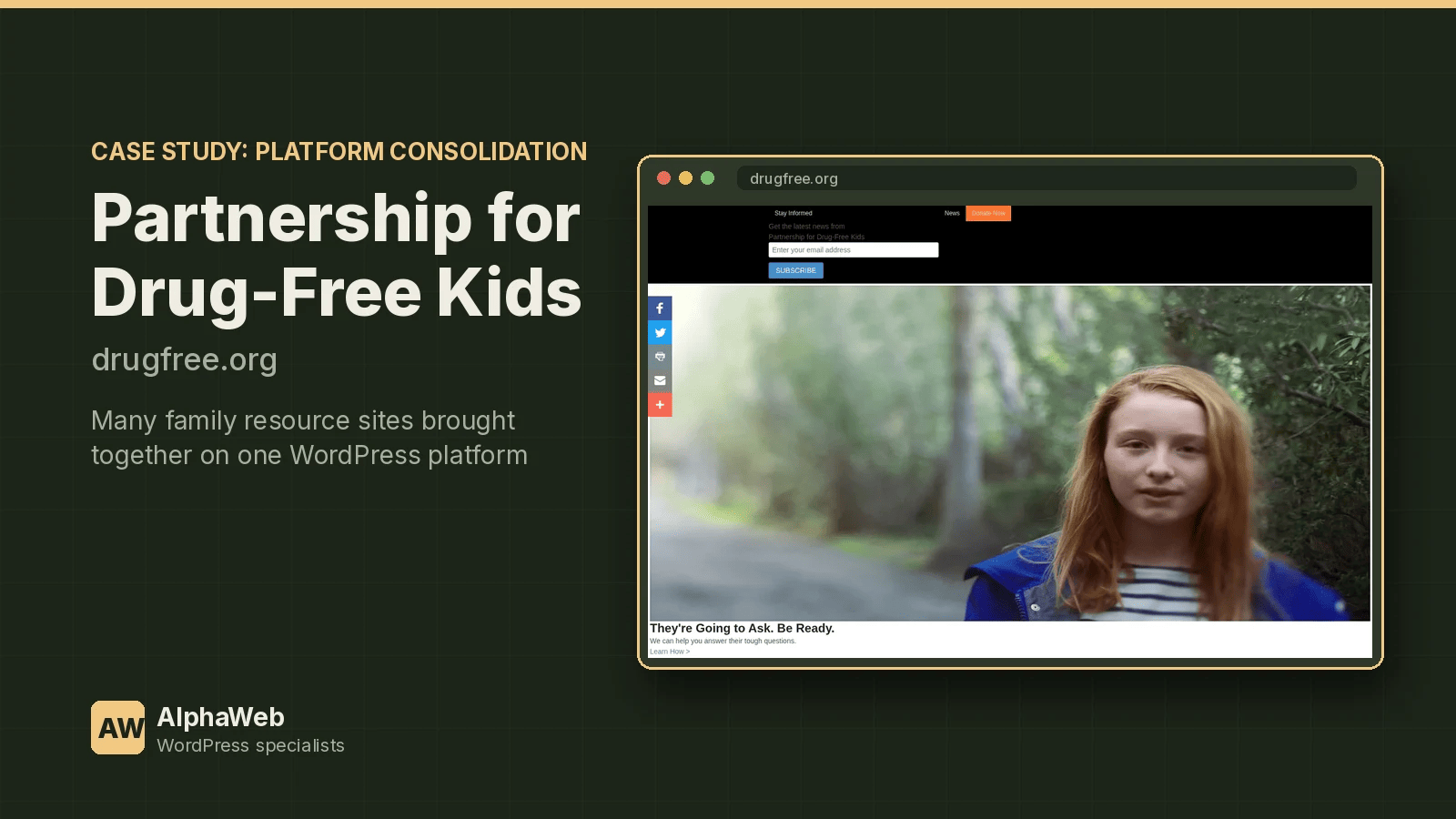
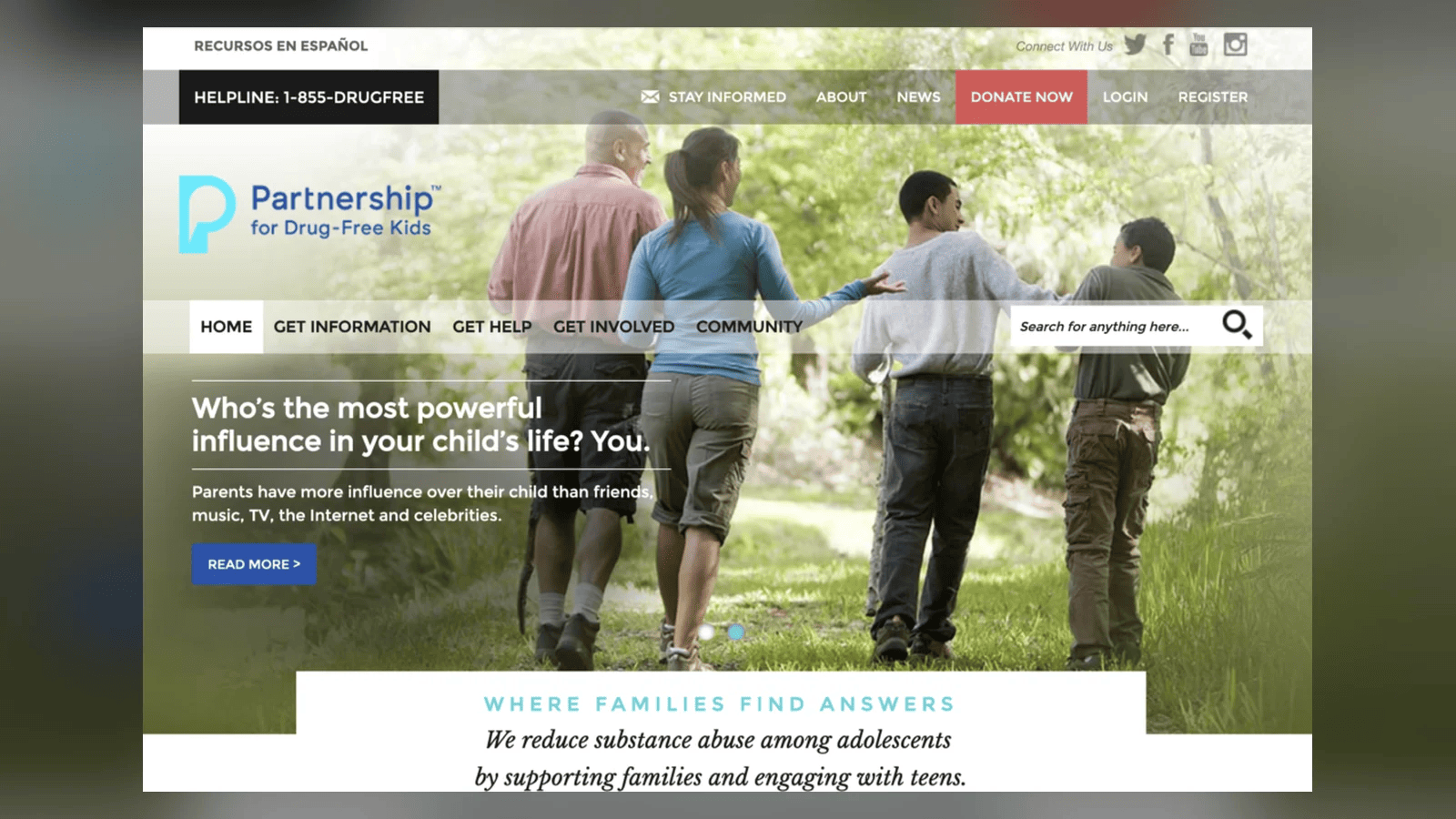
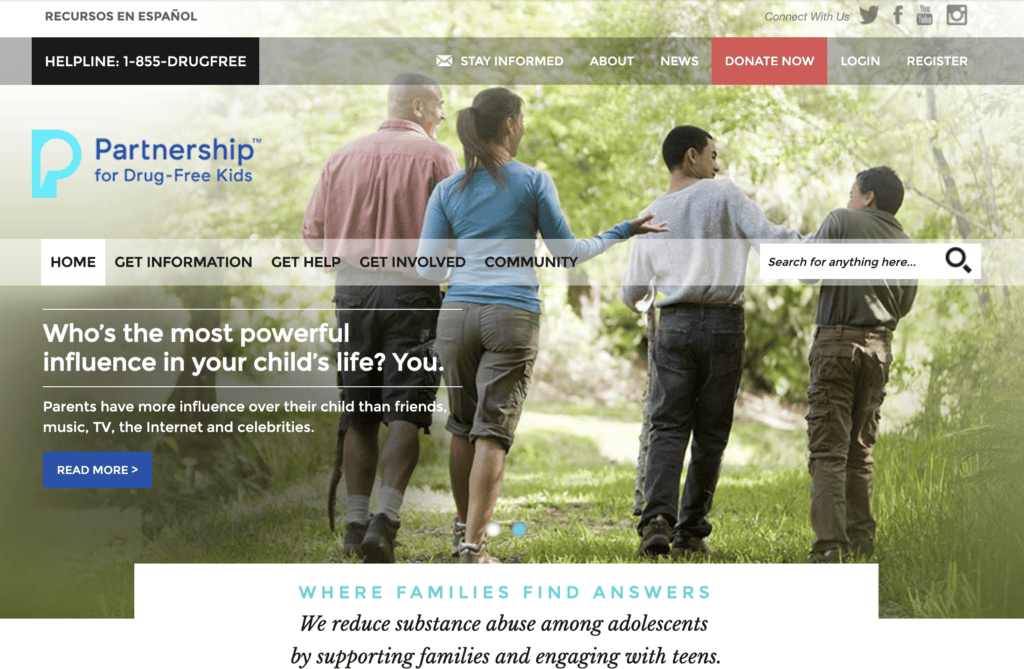
One of the clearest examples from my career was DrugFree.org. They had one Drupal site, two ExpressionEngine sites, two WordPress sites and a custom ASP.NET application. Every platform had its own updates, its own security issues and its own learning curve for staff. I wrote custom migration scripts to bring all of that content into a single WordPress Multisite network, with BuddyPress and bbPress powering the community features and custom post types for content like Memorials and Stories of Hope.
Newark Public Schools was a different flavor of the same problem: about 80 sites on a proprietary platform, Schoolwires, with no clean export. We migrated them by scraping each school site's menu to rebuild the page hierarchy and URLs, then pulling each page's content across into WordPress.
Different sources, same playbook.
Step 1: Inventory everything
Before anyone writes code, we list every site, content type, file library, form, user account and integration. For each, we ask:
- Is this still used? Migrating content nobody reads is wasted money.
- Who owns it after launch?
- What does it connect to (CRM, SSO, payments, email)?
The goal is a map, not a guess.
Step 2: Model the content in WordPress
This is where WordPress shines as an application framework. Old platforms often stuff structured information into a big blob of HTML. In WordPress we model it properly with custom post types, taxonomies and fields: an event has a date and venue, a staff member has a title and department, a memorial has a name and story. Clean modeling now makes search, filtering, apps and future redesigns easier.
Step 3: Choose the extraction method
There are three ways to get content out, in order of preference:
- Database or API export. The cleanest option when the old platform allows it.
- Platform export files such as XML or CSV, cleaned up with scripts.
- Scraping. When a vendor will not give you your data in a usable format, we request each page and parse it, as we did for Newark. It is more work, but it works.
Whichever route we take, we script it. Scripts can be run, checked, fixed and run again. Manual copy and paste cannot.
Step 4: Preserve URLs
Every old URL that has links, bookmarks or search rankings needs to land somewhere. We store the original URL on each migrated item and generate redirects from it. That protects SEO and keeps families, customers and partners from hitting dead links on day one.
Step 5: Rehearse, then cut over
We run the migration into staging repeatedly until the numbers match: content counts, file counts, user counts. Editors review real migrated content, not samples. Then we freeze content on the old platform, run the final migration, switch DNS and watch logs and 404 reports closely for the first weeks.
Step 6: Train and hand off
A migration is not done when the data moves. It is done when the people who own the content can work confidently in the new system. We train editors, document workflows, and set up roles so each team sees only what they need. On the Jenkinson's network, for example, Aquarium staff manage showtimes and programs without touching the Sweet Shop's inventory.
What about page builders?
We are applying this exact playbook to our own site right now, rebuilding every Beaver Builder page as native WordPress blocks. Moving from one way of building pages to another inside WordPress is a migration too, and it deserves the same inventory, mapping and rehearsal.
Thinking about a move?
If your organization is juggling multiple platforms or stuck on a proprietary one, we would love to help you plan the exit. Brief us on your mission.
Related Reading
- Drupal to WordPress migration service
- Platform migration services
- Custom WordPress development services
- More WordPress and mobile app projects
Brief Us on Your Mission
Want to talk about a website, mobile app, migration or AI project? Fill out the Mission Brief and a specialist will follow up to schedule a call and put together a free quote.