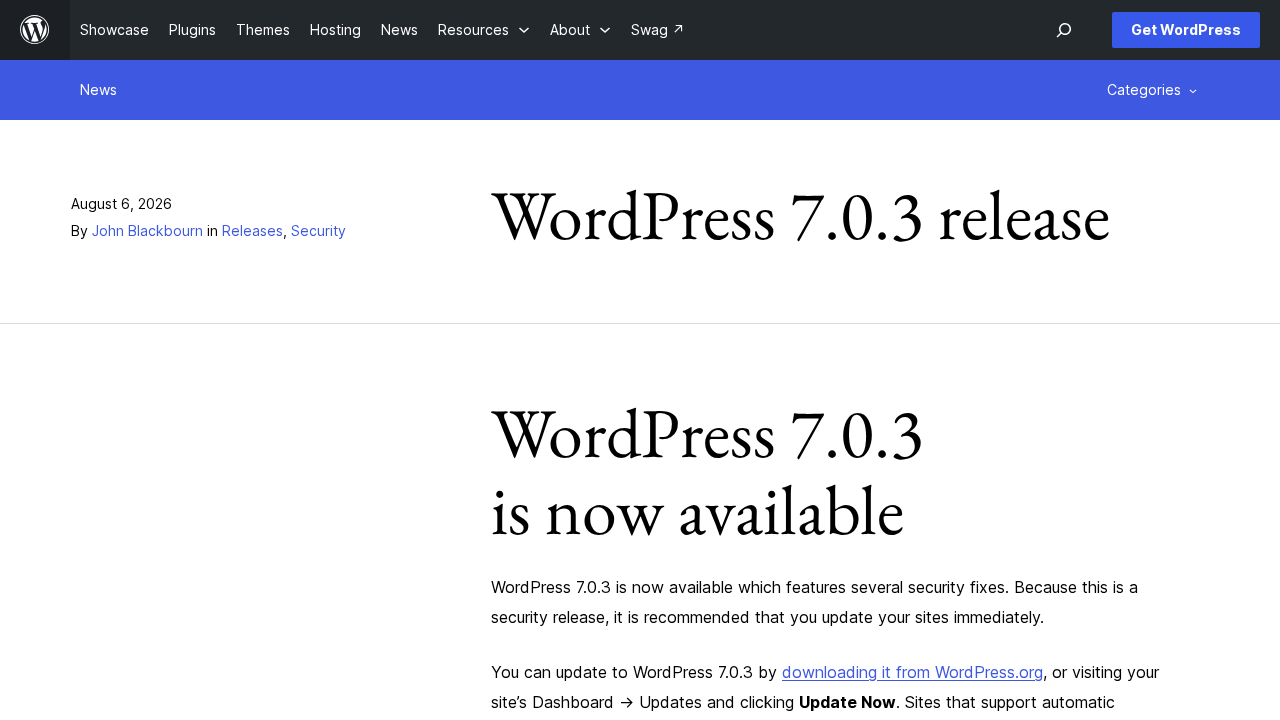
WordPress 7.0.3 was released on August 6, 2026. It is a security release with fixes for 12 issues, and the recommendation is to update your sites immediately.
Security fixes in this release
The official announcement lists these responsibly reported issues:
- A reflected XSS on the login screen, reachable without logging in, with potential to lead to PHP code execution (CVE-2026-64638)
- Stored XSS by contributor level users and above in four places: posts via the emoji settings element, the Post Content block, Quick Edit on sites with many users, and the Post Date block
- A privilege escalation on multisite networks with user registration enabled, allowing a user to create a new site
- An information disclosure in the Latest Comments block that exposed comments on password protected posts
- Enumeration of post slugs
- Disclosure of notes in comment feeds
- CSS injection by author level users via a bypass of the safe CSS attribute filter
- A bypass of the email address confirmation flow
- An SSRF issue in URL validation that allowed requests to link local ranges
As a courtesy, the fixes were backported to all branches eligible for security fixes, back to 4.7 at the time of release. WordPress 7.1 RC2 also included all applicable fixes.
Login screen XSS: who should apply WordPress 7.0.3 first
The login screen issue affects every site, which makes this an update to apply right away. Sites with many contributors and authors, and multisite networks that allow user registration, have extra reasons to update quickly. On multisite networks we also review recent site registrations after updating.
Reflected XSS on the login screen (CVE-2026-64638). This issue needs no account and has potential to lead to PHP code execution, so every site on an affected version is exposed. We update managed sites first, then test the login page, password reset and any custom login screen or two factor plugin to make sure your team can still sign in.
Stored XSS by contributors and above. Contributor and author accounts often go to guest writers, freelancers and interns, and these four issues could let one of them plant script that runs when someone else views the content. After updating, we test the Post Content and Post Date blocks and Quick Edit on staging, and we review contributor accounts for anyone who no longer needs access.
Multisite privilege escalation. On a network with user registration enabled, a regular user could create a new site they were never meant to have. For network clients, such as school districts and organizations with many locations, we update the network and confirm registration settings match how the network is meant to work.
Latest Comments block information disclosure. Password protected posts are often used for client previews and members only content, and this block could show comments from those posts publicly. After updating, we check every page that uses the Latest Comments block to confirm only public comments appear.
Post slug enumeration. Being able to list post slugs can reveal pages that are not meant to be found yet, like an upcoming product or an event that has not been announced. This fix closes that, and it is a good reminder of our advice to keep truly private content in drafts or behind a login, not just at an unlinked address.
Notes disclosed in comment feeds. Notes are internal editorial feedback and should never appear in a public feed. After updating, we open your comment feeds and confirm they show only approved public comments, with no editorial notes mixed in.
CSS injection by authors. The safe CSS filter is meant to block styles that could change how pages look or hide content, and this fix stops authors from slipping past it. We open posts with custom styling after updating to make sure legitimate styles still come through.
Email confirmation bypass. The confirmation step protects an account when someone changes the email address on file, and getting around it could point an account at an address the owner never confirmed. We test the profile email change flow on staging, including custom account pages on membership and store sites.
SSRF in URL validation. Link local addresses are used inside cloud hosting for internal services, including the metadata endpoints some providers use to hand out server credentials. This fix stops WordPress URL validation from reaching those ranges. It matters most for sites on cloud servers, and we confirm that embeds and other features that fetch remote URLs still work.
Want WordPress 7.0.3 and every release after it handled for you? Our support and maintenance plans cover tested core, theme and plugin updates, uptime monitoring and help when something breaks. Questions about your site? Contact us and we will take a look.